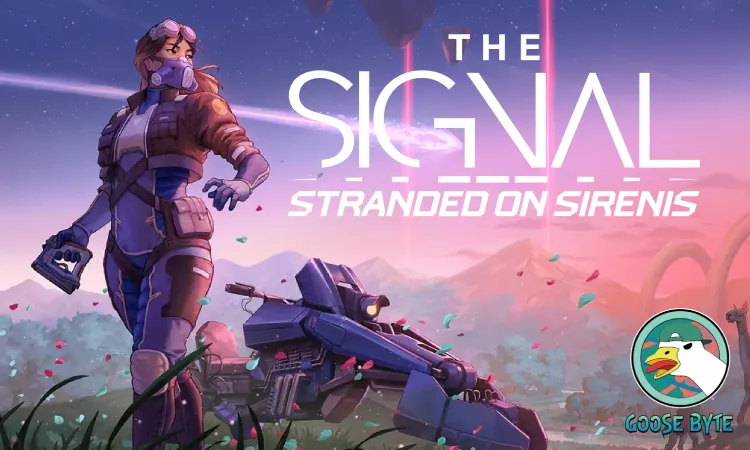
The Signal
Goose Byte
Intern-Junior Technical Artist
A first person survival game made by Goosebyte with a painted art style. It was my first internship and job in the industry. I was hired as a technical artist to create tools and shades for the art team. I made documentation and maintained the tool, fixing any issues and add new features when needed. I also assisted with profiling, optimization, and other miscellaneous art tasks.

Procedural Cliff Generator

Houdini Procedural Tool

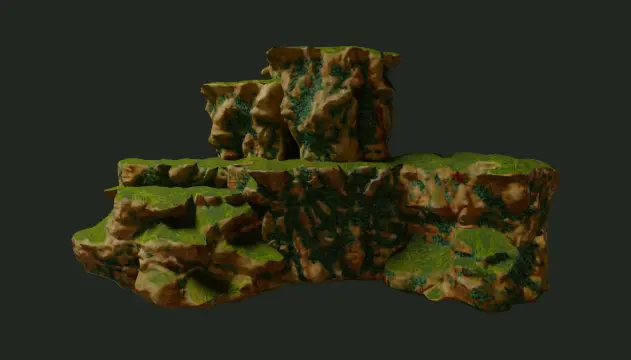
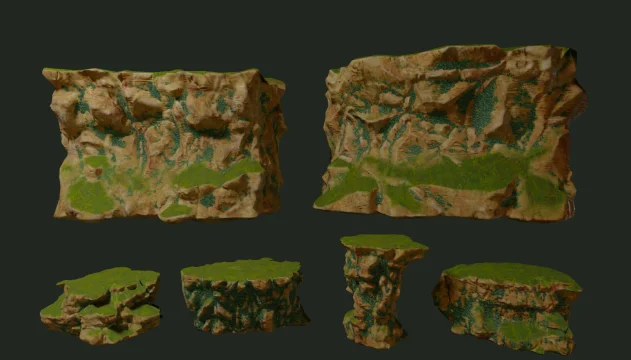
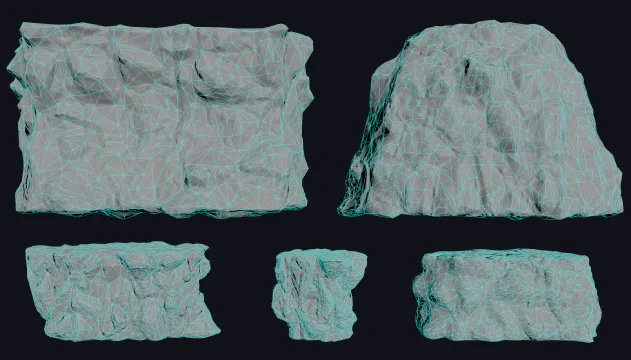
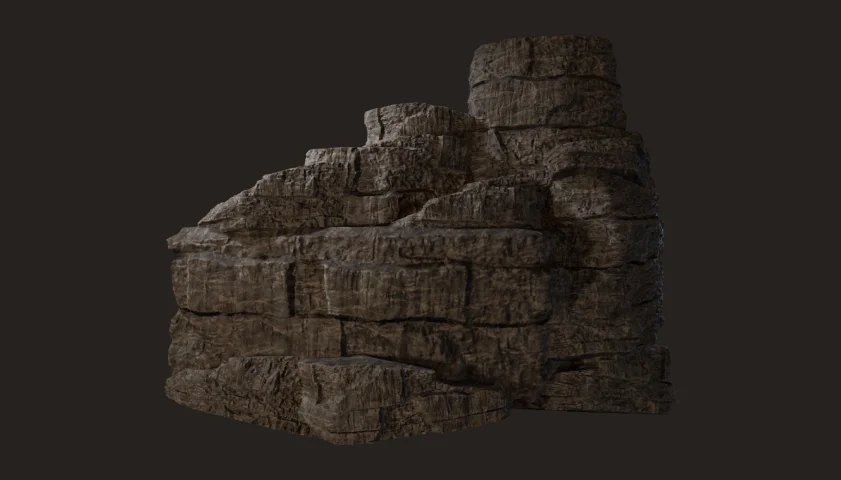
One of my first tasks was to create a procedural cliff generator using Houdini. By having a procedural generator, the team was able to create a set of modular cliffs and add new ones down the line. The generator takes in a base shape input, then creates a high poly cliff mesh with deformation and details. Then, a low poly version with collision is generated and textures are baked. The generator also properly names the asset according to the guideline set by the team for organization.

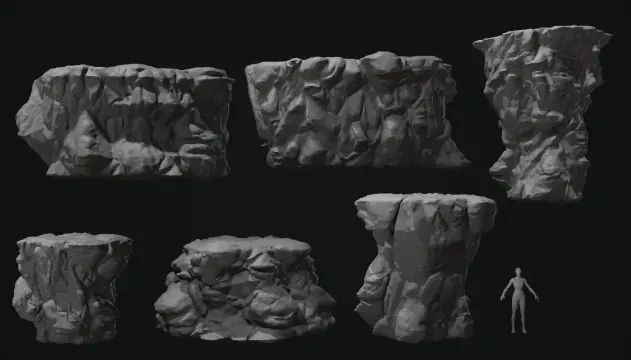
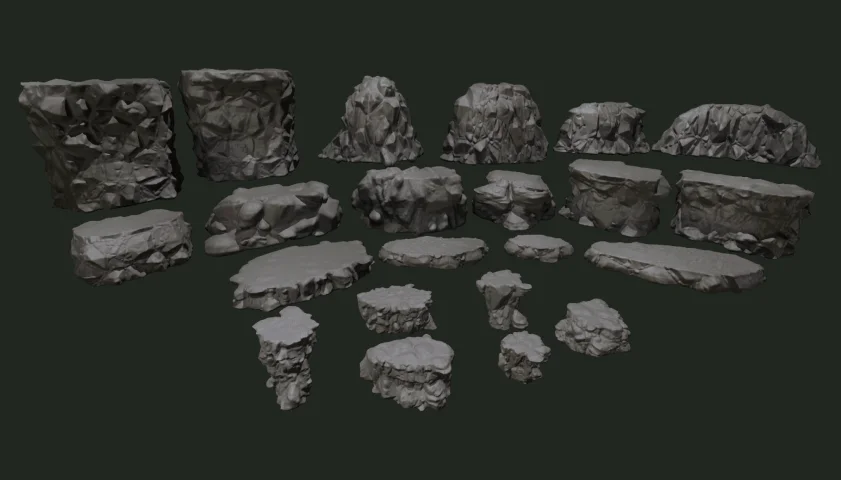
Base Shapes by: Shanah Sportellini
Materials & Textures by: Sarah-Frédérique Schetagne

Workflow

This was the workflow for the cliff generator, allowing the quick creation of multiple modular cliff assets with varying shapes and sizes. Here are the high level steps:

  • Base Shape Input: Sets of base shapes were created by Shanah Sportellini, the team's level artist, covering different shapes and size types. For example, medium cliffs for platforms and large cliffs for walls or background pieces.
  • Cliff Generator: The cliff generator then uses these base shapes to create the high poly cliffs, applying noise deformation and other processes to shape the details. The generator provides various parameters to the artist to control how the base shape is manipulated and deformed. Furthermore, it automates the creation of the low poly mesh, UVs, texture baking, and file naming, while also providing control to make sure it adheres to the team's agreed upon standards.
  • Output: The output is a low poly mesh to be used in engine, a high poly mesh as backup, and textures to be used in game or to create other textures by another team member.  The file name is automatic, either using the base shape's file name as a base or a new custom name.

Overworld

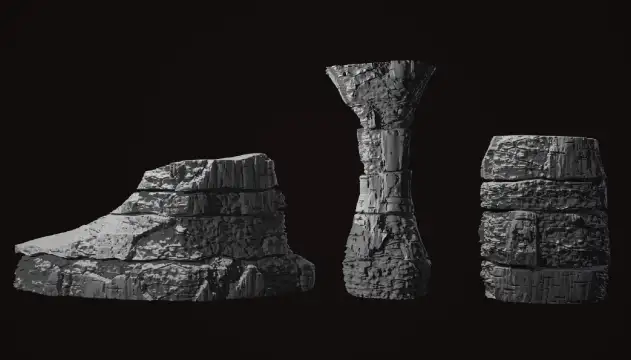
The first area of the game, contains cliffs with large and sharp pertruding shapes on their surface, emulating the effects of rock breakage. The end product is a modular kit of cliff meshes that can be arranged in different ways to create unique formations. A lot of iterations were made during this generator's development, making sure that it is as artist friendly as possible.  

Scorched Rifts

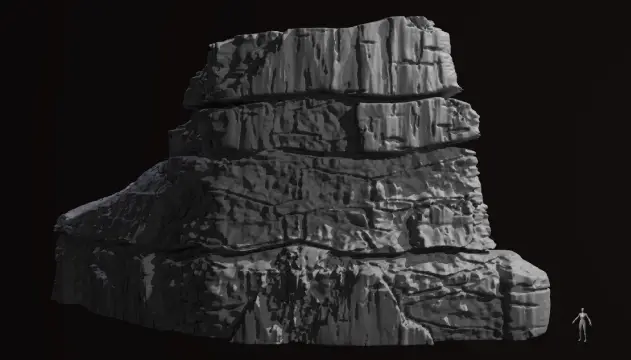
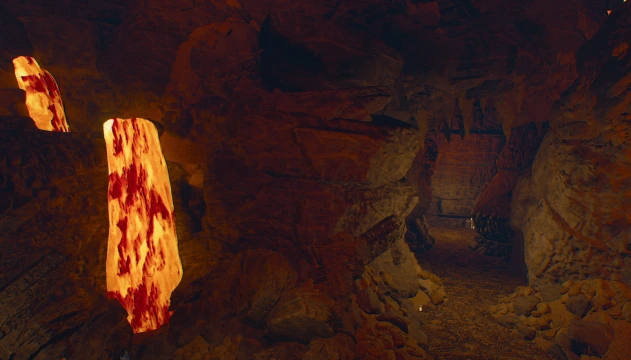
The second area of the game, taking place in an area filled with caves and near a volcano. The generator creates layers, flat shapes, and cracks on the cliff surface. The same as the overworld cliffs, different meshes can be combined to create unique formations. This generator reuses a lot of features from the overworld generator, especially quality of life and export features.

Procedural Vine Generator

Blueprint & PCG Tool

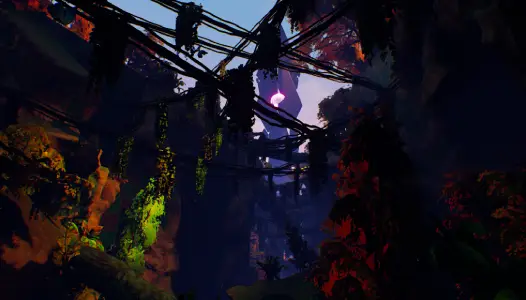
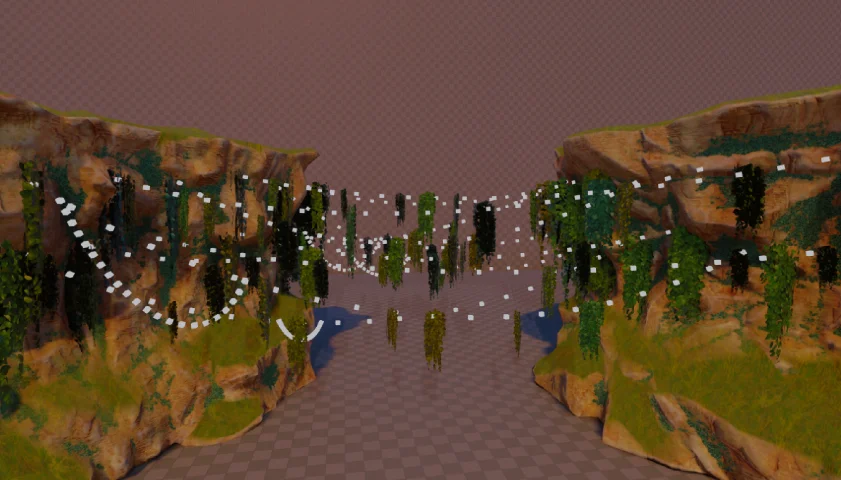
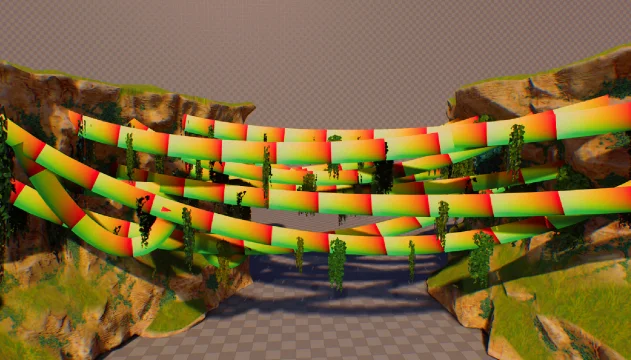
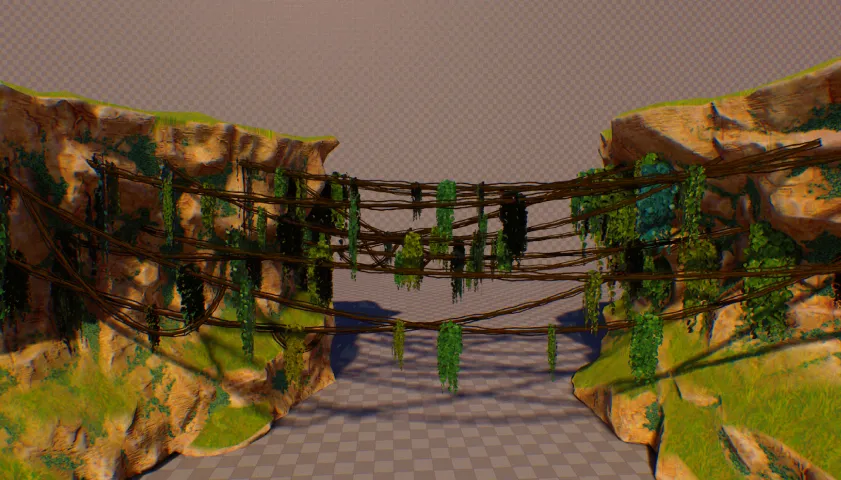
A tool I made that places large amounts of vines inside a volume. The vines are created using Unreal’s PCG Component and a procedural mesh component, creating ribbon meshes and leaves instances

Hanging leaves made by: Sarah-Frédérique Schetagne

High Level Overview

PCG Component

  • Place points on surface
  • Create spline between two random points
  • Sample spline to get mesh placement points
  • Use sampled points for vegetation ISMs
  • Sample spline points to generate procedural mesh

Procedural Mesh Component

  • Using spline points data from PCG component, generate vertex data and create procedural mesh
  • Use material with "Spline Thicken" node to create a 3D effect from flat meshes

Final Blueprint

  • Contains the PCG and Procedural Mesh Component
  • Executes after PCG Component finishes generating
  • Gets points data for the Procedural Mesh Component
  • Placed throughout the level to generate vines

Stylized River Shader

Shader

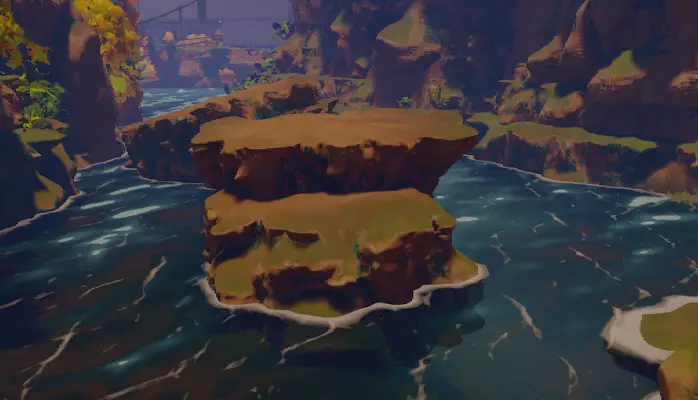
A stylized river shader I made for the overworld section. The shader uses a flowmap to control the river flow direction.

Textures provided by: Sarah-Frédérique Schetagne

A closeup of the river shader and the blueprint created
The different steps of the river shader

Other Smaller Works

The section is about other smaller works I did

Blueprint Cable Generator

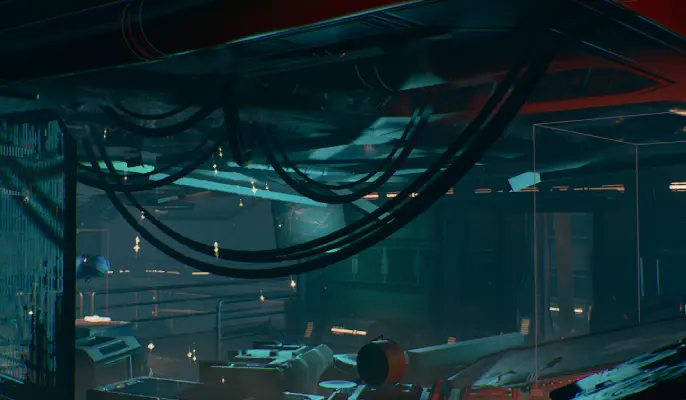
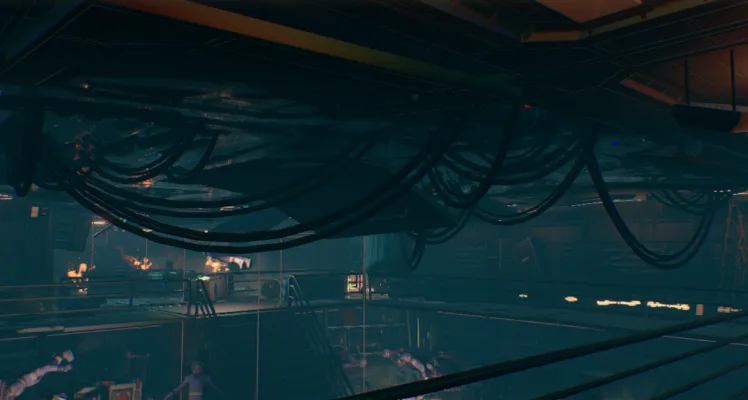
This is a cable generator tool I made using blueprints and is a smaller version of the vine generator, intended for creating spline meshes in smaller spaces.

The start and end points are placed on surfaces using rays and 3D widgets, which the artist can move around and rotate to control the ray direction. Parameters such as the number of cables, cable length, spline mesh, etc are exposed to give control to the artist.

Environment below made by: Alycia Castonguay

Lava Shader

This is a lava shader made for the Scorched Rifts area, containing lava falls and pools. I was given a set lava texture and masks by Sarah (one of the team's artist) and started developing the shader.

The lava fall is relatively simple, combining different scrolling textures to create the cold and hot spots, then using that as an input for the blackbody node

For the lava pool, I added flowmap support and used flowmaps to control the direction of the lava. This is especially useful when adding flow around the lava fall hitting the pool.

Textures provided by: Sarah-Frédérique Schetagne

Broken Bridge Generator

This generator creates bridges or platforms from one side to another, made for background pieces. This generator is used for a abandoned facility section, so some of the bridges have a destroyed.

To add control on which bridge to destroy, an override widget is added. The user can control the location and the radius of the widget, which can be used to to add an effect where a large object fell through multiple layer of platforms.

Bridge sections made by: Alejandro Cordoba